
Rent collection gets messy when payments arrive in different ways, at other times, with missing references. A solid billing setup fixes that. You'll spend less time chasing and more time managing properties.
Map the money flow
Write down what you charge and when you charge it:
- Rent (weekly/monthly/quarterly)
- Deposits (if you track them separately)
- One-off fees (keys, cleaning, call-outs)
- Owner payouts (monthly statement cycle)
This list becomes your “billing items” in your system, keeping everything consistent.
Choose how tenants should pay in the UK.
Most UK portfolios run best with two options:
- Automatic bank payments for rent (stable, repeatable)
- Card payments for one-offs (fast for ad-hoc charges)
If you want fewer late payments, prioritize a method that supports recurring collections, such as Direct Debit.
Decide what you need your software to do
Be clear on your must-haves:
- Send rent demands/invoices automatically.
- Issue receipts instantly
- Add late fees (only when needed)
- Show arrears clearly
- Match payments to the right tenant and property
- Produce owner statements without manual editing.
Top 12 online payment and billing solutions
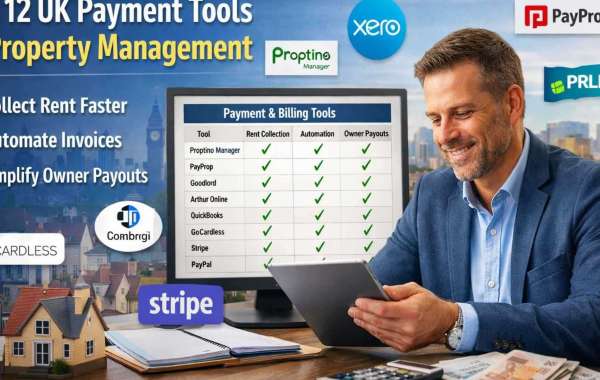
These are widely used options that fit property management billing and rent collection. Put your “core system” first, then add a payments layer if needed.
- Proptino Manager — a UK-focused property management platform designed to manage rental accounts, tenancies, and inspections from one dashboard.
- PayProp — built for letting agencies, with automated rent collection, reconciliation, and payments.
- Goodlord (Lettings Accounts / Rent Collection) — centralizes rent collection and reconciliation, with reminders and account handling.
- Reapit Client Accounts — client accounting with BACS integration and Direct Debit processing for agencies.
- Arthur Online — a property management platform that helps track rents and occupancy in one place.
- Xero — lets customers pay straight from invoices, with options like cards and Direct Debit via providers.
- QuickBooks Online (UK) — online invoicing with payment tracking to support cash flow and billing.
- GoCardless — Direct Debit collection for recurring payments and invoice-style billing.
- Stripe Billing — recurring billing for rent-like schedules and automated invoicing workflows.
- TrueLayer Pay by Bank — open-banking “pay by bank” payments with fast settlement.
- PayPal Recurring Payments (UK) — recurring payments built into PayPal Checkout for subscription-style charges.
- Opayo (Sage Pay) — a UK payment gateway used to accept card payments online.
Set up billing items.
Inside your chosen system, create clear items such as:
- Monthly Rent
- Arrears Charge (if used)
- Key Replacement
- Maintenance Recharge (if you bill it back)
Keep names simple, so reports stay readable.
Add tenants and link them to properties.
Create a tenant profile for each tenancy. Attach:
- Property address/unit
- Rent amount and due date
- Payment method (auto vs manual)
- Any fixed add-ons (parking, storage)
That is where your admin time drops, because the system “knows” what to bill.
Turn rent into a schedule, not a task.
Set rent to run on autopilot:
- Create recurring invoices/demands (or recurring collections)
- Send automatic reminders before and after the due date
- Issue receipts after payment
Even if you manage only a few properties, this step removes the “monthly scramble.”
Reconcile little and often.
Do a quick weekly routine:
- Match incoming payments to tenants
- Check any partial payments
- Review the arrears list
- Confirm owner payouts for the period (if you do statements)
Small weekly checks beat a stressful month-end catch-up.
Produce clean owner statements.
Owners want clarity, not spreadsheets.
A strong setup lets you produce:
- Rent received vs due
- Costs by property
- Net payout for the period
When payments, fees, and maintenance are tagged properly, statements are just a few clicks away.
Start with one property, then roll it out.
Set up one property end-to-end first. Once it looks right:
- Copy the same structure across the portfolio
- Keep the same item names and rules
- Standardize tenant communications
That consistency is what makes billing feel “easy” six months from now.